

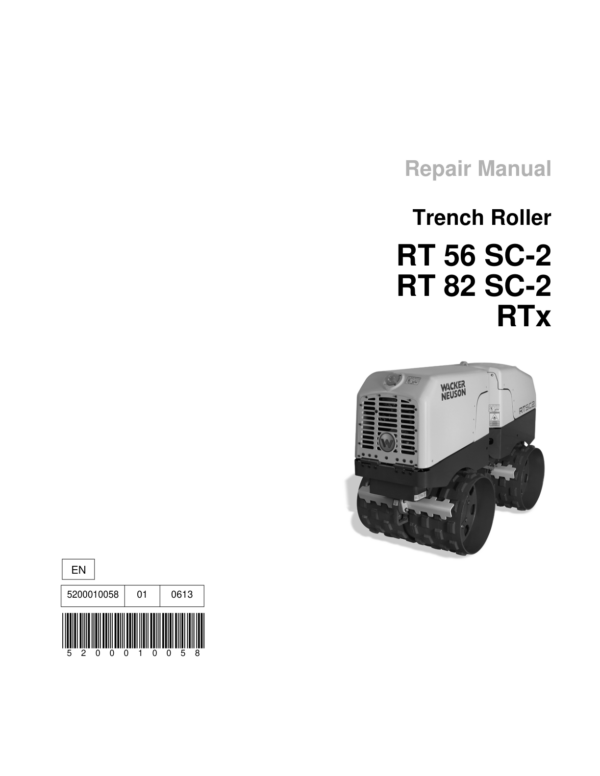
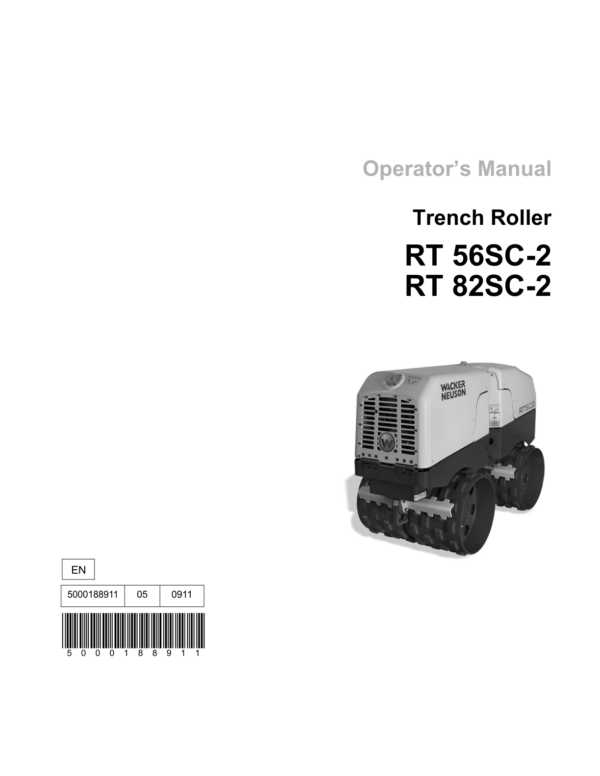
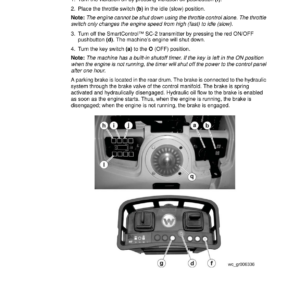
Wacker Neuson RT56SC2, RT82SC2, RTX Trench Roller Service Repair Manual
$34.00
Manual Included:
- Service Repair Manual: 224 Pages
- Operators Manual: 134 Pages
- Spare Parts Catalog: 120 Pages
Specifications:
- Brand: Wacker Neuson
- Model: RT56SC2, RT82SC2, RTX
- Type: Trench Roller
- Manuals: Service Repair Manual
- Language: English
- Category: Wacker Neuson
- Format: PDF
- Description
- Reviews (0)
Description
Table of Content – Wacker Neuson RT56SC2, RT82SC2, RTX Manual
- Foreword
- Safety Information
- Signal Words Used in This Manual
- Machine Description and Intended Use
- Safety Guidelines for Operating the Machine
- Service Safety
- Safety Guidelines for Lifting the Machine
- Hydraulic Fluid Safety
- Operator Safety While Using Internal Combustion Engines
- Operation
- Control/Component Locations
- Control/Component Descriptions
- Features and Controls
- Accessing the Engine or Hydraulic Component Compartments
- Accessing the Control Compartment
- Control Panel
- SmartControl™ SC-2 Transmitter
- Operating Status Indicator Codes
- Infrared System and Control Channels
- Before Starting
- Starting
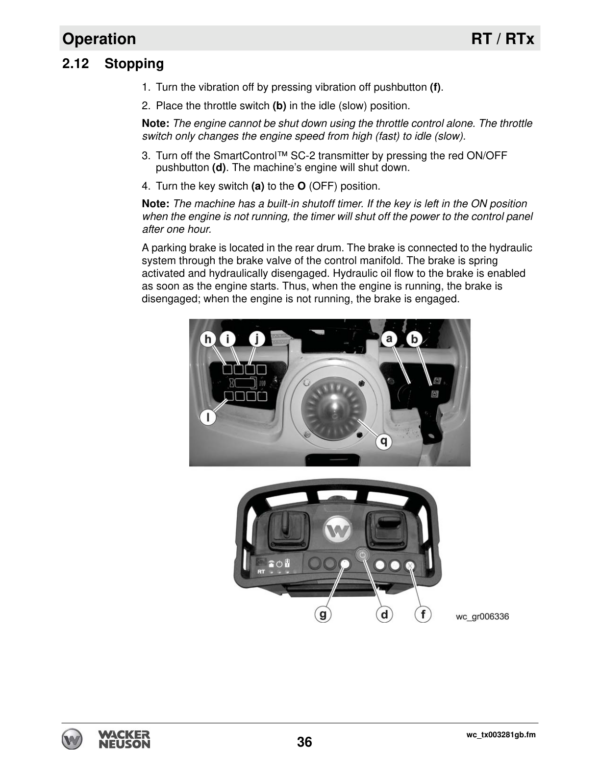
- Stopping
- Light Ring Color Codes
- Operation
- Position of the Operator
- Range Limits
- Operating Characteristics
- Communication Faults
- NiMH Battery
- Replacing the Battery Pack
- Charging the Transmitter Battery
- Tip-Overs
- Emergency Shutdown Procedure
- Overview of the ECM and the Diagnostic Tool
- ECM Stages of Engine Start-Up
- ECM Monitoring of Solenoids
- Connecting the Diagnostic Tool
- Programming the ECM Tip-Over Mode
- Entering the ECM Diagnostic Mode
- ECM Fault and Error Codes
- Resetting the ECM Diagnostic Data and the Tip-Over Light
- Troubleshooting Engine Starting (No Crank, No Start)
- Troubleshooting Sequence
- Checking the Machine Battery and the Transmitter Battery
- Checking the Key Switch Fuse
- Checking the Key Switch
- Checking Power In and Out of the ECM
- Checking Power to and Function of the Power Relay
- Checking Power to the Control Panel
- Checking Power In and Out of the Decoder Module
- Setting the Control Channel
- Checking the Function of the Transmitter Module
- Checking the Light Rings
- Checking the Receiving Eyes and Decoder Module
- Checking Power to the Starter Solenoid
- Troubleshooting Engine Starting (Crank, No Start)
- Troubleshooting Sequence
- Checking the Fuel Solenoid Circuit
- Checking the 50A Fuse
- Checking the Glow Plug Relay
- Checking a Glow Plug
- Hydraulic System Overview
- Troubleshooting the Vibration System
- How the Vibration System Functions
- Troubleshooting Sequence
- Checking the Function of the Transmitter Module
- Checking the Function of the Decoder and the Vibration Solenoids
- Checking the Function of the High-Speed Valve (HSV)
- Checking the Valves of the Manifold
- Checking the Hydraulic Pressure of the Vibration System
- Checking the ECRV Valve
- Checking the Function of the Exciter Motors
- Checking Engine RPM
- Troubleshooting the Drive System
- How the Drive System Functions
- Troubleshooting Sequence (Drive System)
- Checking the Function of the Transmitter Module
- Checking Power to the Brake Solenoid
- Checking Power to the Drive Solenoids
- Checking the Hydraulic Pressure of the Drive Circuit
- Checking the Function of the DRV and Travel Valve
- Checking the Function of the Brake Valve
- Checking the Function of the High-Speed Valve (HSV)
- Troubleshooting the Steering System
- How the Steering System Functions
- Troubleshooting Sequence (Steering System)
- Checking the Function of the Transmitter Module
- Checking Power to the Steering Solenoids
- Checking the Hydraulic Pressure of the Steering Circuit
- Checking the Function of the Steering Valve
- Cleaning the SPRV and the Orifice
- Disassembly and Reassembly
- Tools Required for Disassembly/Assembly Procedures
- Information Regarding Replacement Parts
- Information Regarding Threadlocking Compounds
- Disassembling the Articulated Joint
- Reassembling the Articulated Joint
- Removing the Drum Extensions
- Installing the Drums
- How to Identify the Drum Supports Before Disassembly
- Drum Support Exploded View
- Drum Support Components
- Opening the Drum Support
- Closing the Drum Support
- Disassembling the Drive Hub
- Reassembling the Drive Hub
- Disassembling the Slave Hub
- Reassembling the Slave Hub
- Disassembling the Brake
- Reassembling the Brake
- Exciter Exploded View
- Exciter Components
- Disassembling the Exciter
- Reassembling the Exciter
- Removing a Drum Support
- Installing a Drum Support
- Removing the Hydraulic Tank
- Installing the Hydraulic Tank
- Removing the Fuel Tank
- Installing the Fuel Tank
- Removing the Manifold
- Installing the Manifold
- Removing the Steering Cylinder
- Installing the Steering Cylinder
- Removing the Hydraulic Pumps
- Installing the Hydraulic Pumps
- Removing the Hydraulic Oil Cooler
- Installing the Hydraulic Oil Cooler
- Removing the Radiator
- Installing the Radiator
- Removing the Engine
- Installing the Engine
- Removing the Receiving Eye and the Light Ring
- Installing the Receiving Eye and the Light Ring
- Replacing a Solenoid Valve
- Rebuilding the Transmitter Module
- Disassembling the Transmitter Module
- Reassembling the Transmitter Module
- Testing the Pushbutton Circuit Board
- Calibrating the Joysticks
- Technical Data
- Engine
- Roller
- Lubrication
- Sound and Vibration Specifications
- Dimensions
- Radiation Compliance
- Schematics
- Electrical Schematic – Sheet 1
- Electrical Schematic – Sheet 2
- Components
- Hydraulic Schematic
- Hydraulic Schematic Components
Be the first to review “Wacker Neuson RT56SC2, RT82SC2, RTX Trench Roller Service Repair Manual”
You must be logged in to post a review.
Reviews
There are no reviews yet.