
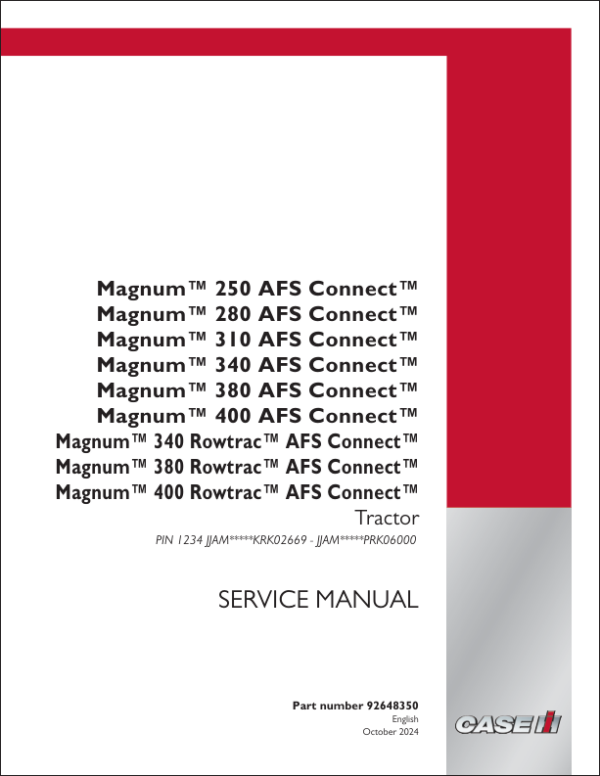
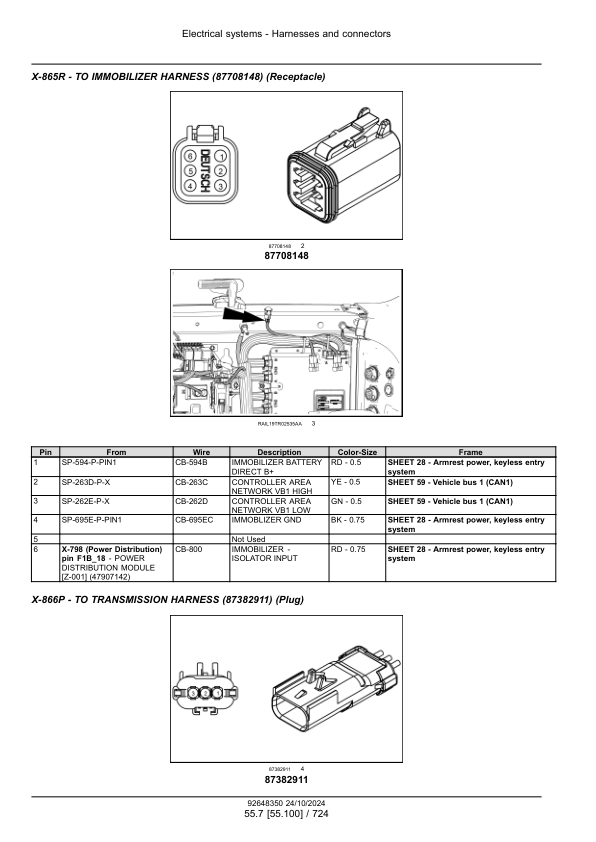
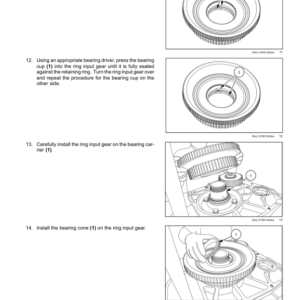
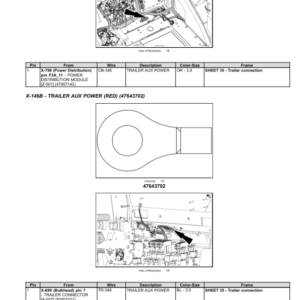
Case 340, 380, 400 Magnum (Rowtrac) AFS Connect Service Repair Manual
$99.00
Manual Included:
- Service Repair Manual: 23825 pages
Specifications:
- Brand: Case
- Model:
340 Rowtrac AFS Connect,
380 Rowtrac AFS Connect,
400 Rowtrac AFS Connect - Type: Magnum Tractor
- Serial: JJAM*****KRK02669 till JJAM*****PRK06000 (covers KR,LR, MR, NR, OR, PR)
- Manuals: Service Repair Manual
- Publication Numbers: 92648350 (October 2024)
- Language: English
- Format: PDF
- Description
- Reviews (0)
Description
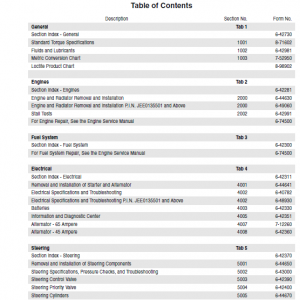
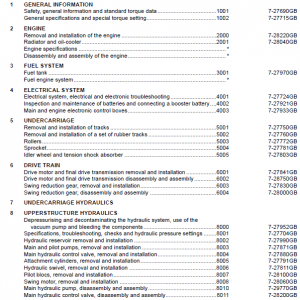
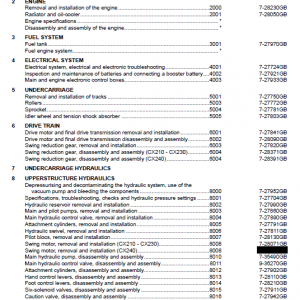
Table of Contents – Case 340, 380, 400 Magnum (Rowtrac) AFS Connect
- Contents
- Introduction
- Engine
- Power Coupling
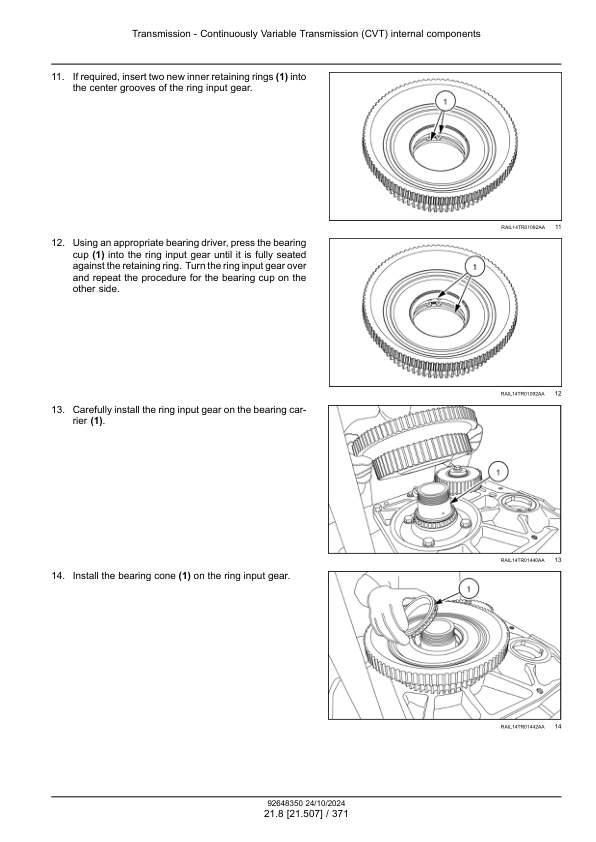
- Transmission
- Four Wheel Drive (4WD) System
- Rear Axle System
- Power Take Off (PTO)
- Brakes and Controls
- Hydraulic System
- Hitches, drawbars and implement couplings
- Frames and ballasting
- Steering
- Wheels
- Cab Climate Control
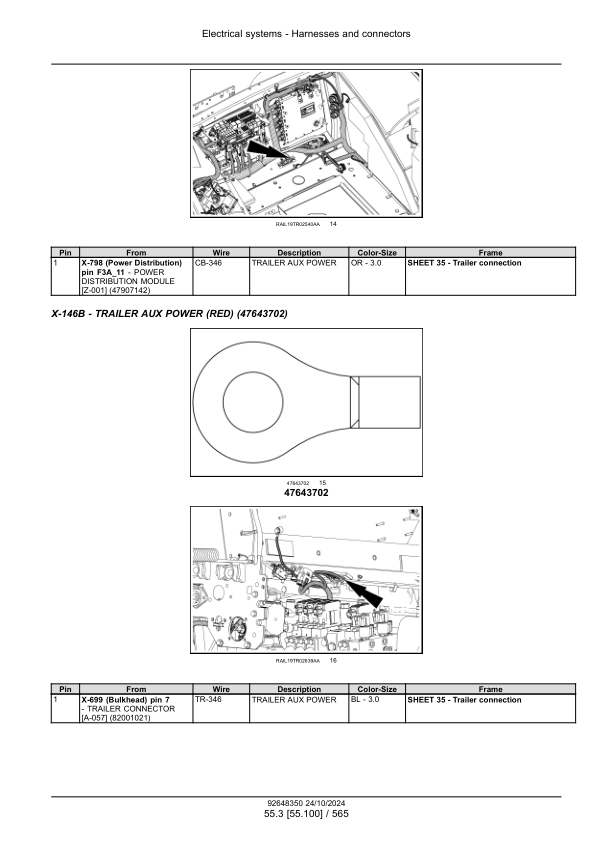
- Electrical Systems
- Accessories
- Platform, Cab, bodywork and decals
Manual Extract: Basic instructions – Log Parameter Selections instructions
The Log Parameter Selections feature records vehicle data to the Electronic Service Tool (EST) laptop. You select parameters listed on the Monitor screen and save the values from the tractor at the time you are connected. These values can then be retrieved later using Microsoft Excel or a text editing program for analysis and troubleshooting.
First select the desired parameters to log by selecting Change Parameter Selections and adding items from the Parameter List. A maximum of 16 parameters can be selected. If more than 16 parameters are selected, the logging feature is disabled.
Then select Log Parameter Selections to enable this feature. Select the SETTING button to display a screen with the following selections:
LOG MODE SELECTION: Select either Start-Stop-Trigger Mode or Post-Trigger Mode.
• In Start-Stop-Trigger Mode the EST will start logging data when Start is selected and stop either when Stop is selected or when the logged data has reached its maximum size.
• In Post-Trigger Mode the EST starts logging data immediately. When the logged data reaches its maximum size, it will continue to store more data by removing the oldest data from the log. The log can run indefinitely while waiting for an event to occur. When the log is stopped, the most recent data can be saved. Stop the EST logging before saving the file. Once it is saved, press start to start logging again.
Be the first to review “Case 340, 380, 400 Magnum (Rowtrac) AFS Connect Service Repair Manual”
You must be logged in to post a review.
Reviews
There are no reviews yet.